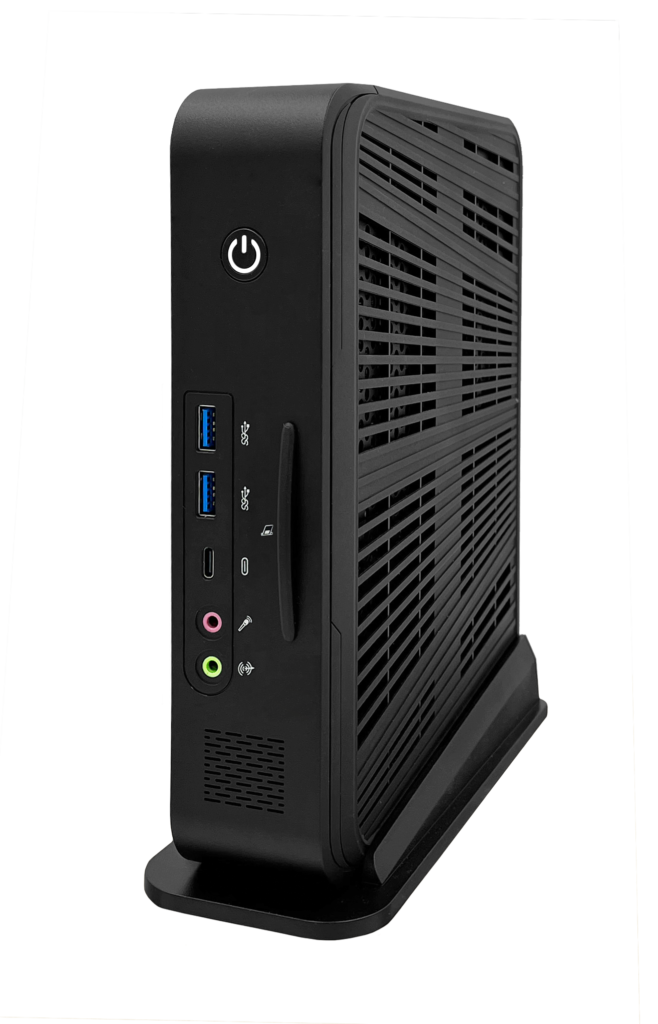
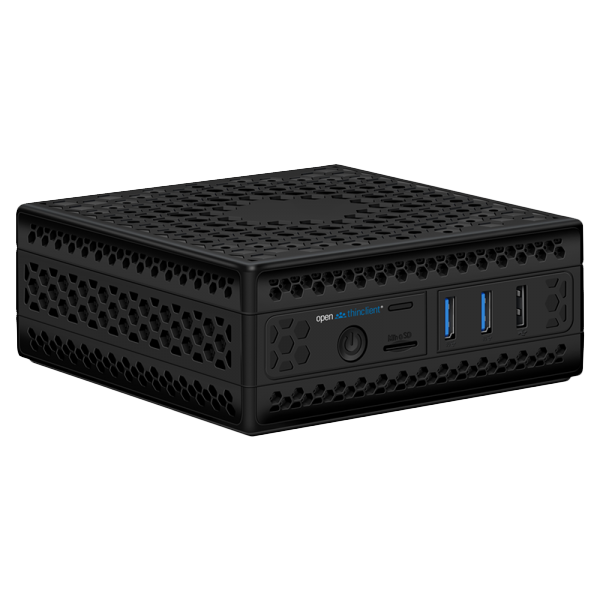
In principle, any PC or Thin Client can be used, provided it meets these requirements:
Intel-compatible x86 CPU 64-bit hardware Network card supported PXE boot
What we don't support:
❌ ARM Architecture
More information can be found here in our Documentation.
Server requirements
The requirements for using the openthinclient software are very low. The openthinclient software can be downloaded pre-installed as a virtual appliance or installer.
Virtual Appliance for:
Omnissa Horizon vSphere VirtualBox HyperV
Installer for:
Windows 64 Bit
Linux 64 Bit
General requirements:
DHCP network
Further information on the system requirements can be found in our Documentation.
Booting the Thin Clients
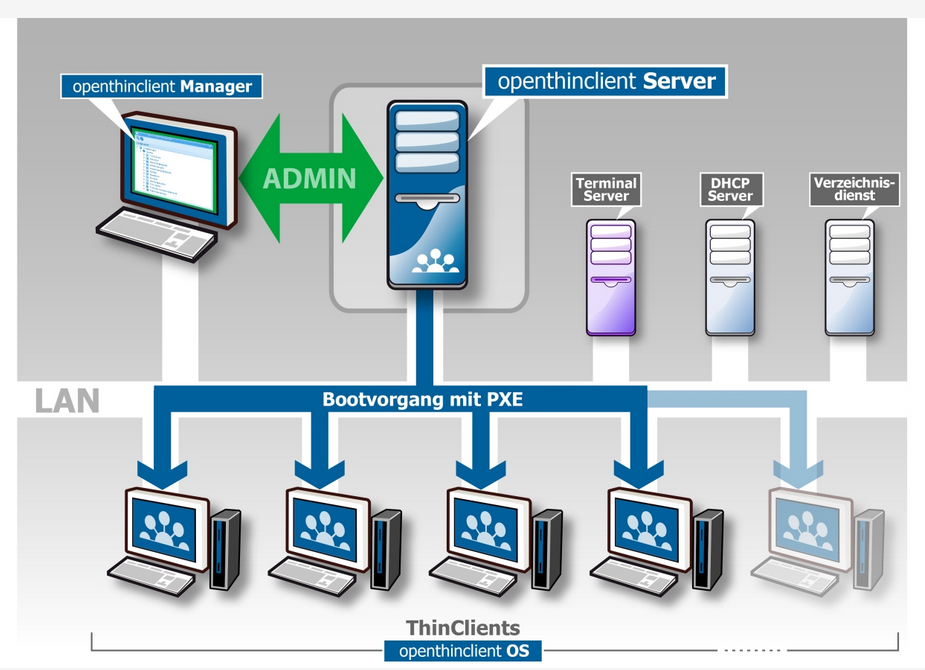
After the thin client is switched on, it sends a broadcast to the network. The client then receives an IP address assigned by the DHCP server.
The DHCP proxy function of the openthinclient server listens for the assignment of the IP address and recognises the thin client. Afterwards, the server sends the boot file via TFTP. The openthinclient OS loading process via PXE is beginning.
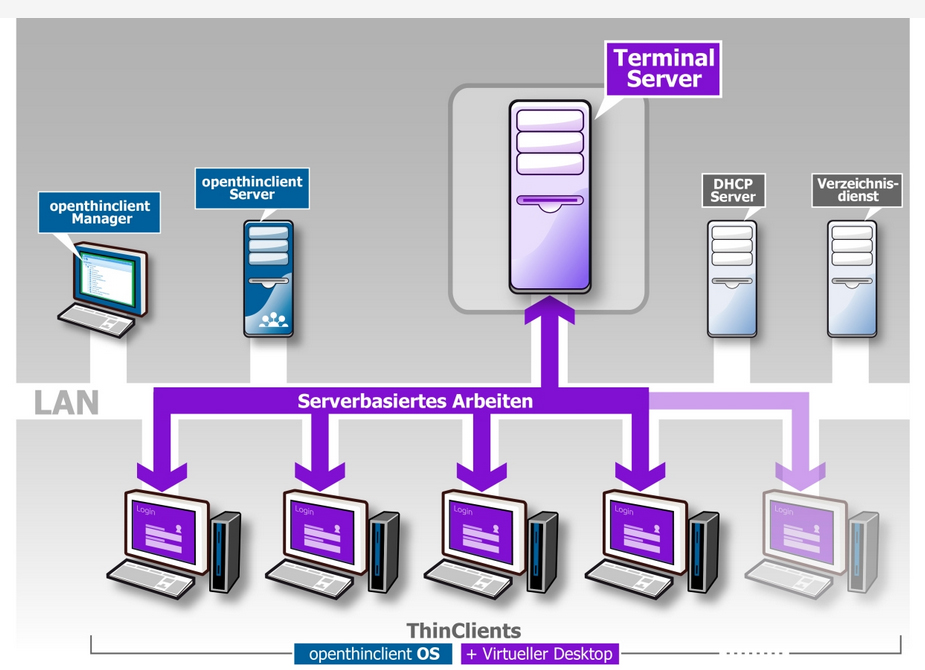
After loading the operating system, it is possible to [action] on the ThinClient the application for server-based working to be launched e.g.
RDP-Client
Citrix Receiver
VMware Horizon
The connection to the Terminal Server or virtual desktop is established and after the login process with user and password, the user can to start his work.