- +49 711 1378636-0
- info@openthinclient.com
- Mon - Fri: 9:00 - 18:00
The end of support for Windows 10 presents a significant challenge. Discover why switching to Thin Clients could be the ideal solution for your business.
Microsoft has announced the end of support for Windows 10. In particular, support for version 21H2 was discontinued in June of this year, as you can read here. This means that there will be no more security updates or technical support for this operating system.
This could represent a significant security risk for your company. Without regular updates, potential security vulnerabilities could arise that could be exploited by cybercriminals.
Given the significant costs associated with purchasing new PCs and Windows 11 licenses, we propose an alternative solution: utilize your existing PCs as thin clients. This option is not only more cost-effective, but also more secure.
A switch from Windows 10 to Windows 11 could be difficult for some of your devices. Windows 11 has higher System Requirements, which means that not all PCs or laptops will be able to perform the update. This will mean additional costs and training effort for your company.
Did you know that you can continue to use your existing PC hardware by using it as thin clients?
Instead of investing in new devices, you can use your existing PCs as thin clients in conjunction with a remote desktop application (e.g., RDP, Citrix, Omnissa Horizon formerly VMware Horizon). This allows you to extend the lifespan of your current hardware while facilitating the transition to a more efficient and secure IT infrastructure.
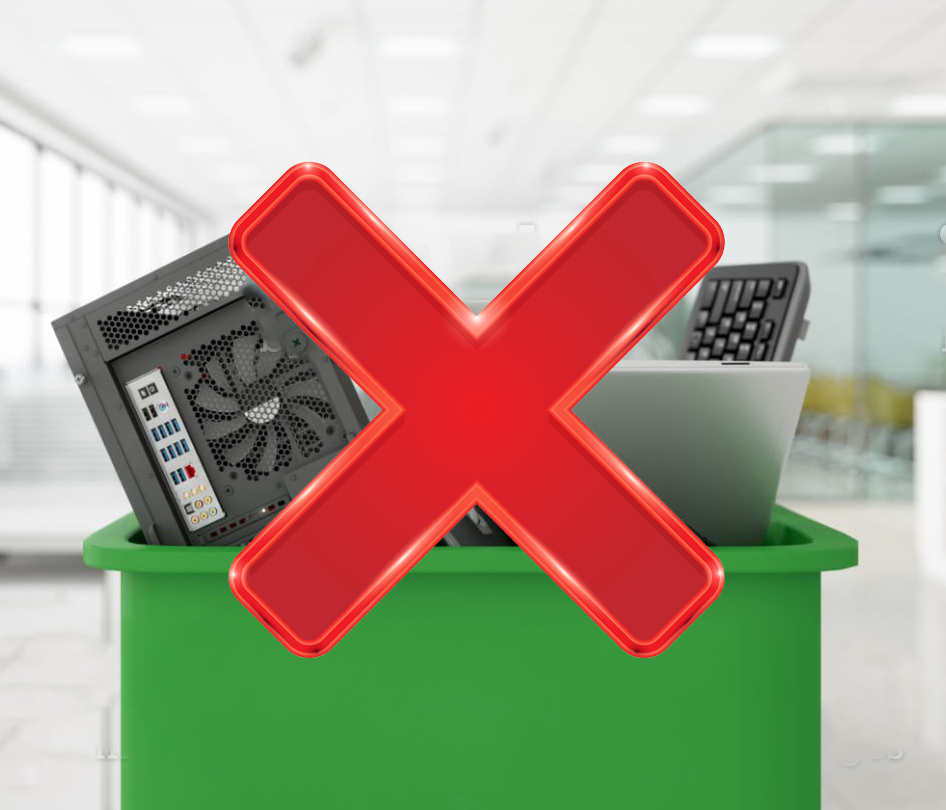
Using old PCs as thin clients not only saves costs but is also environmentally friendly. It reduces e-waste and helps you minimize your ecological footprint.
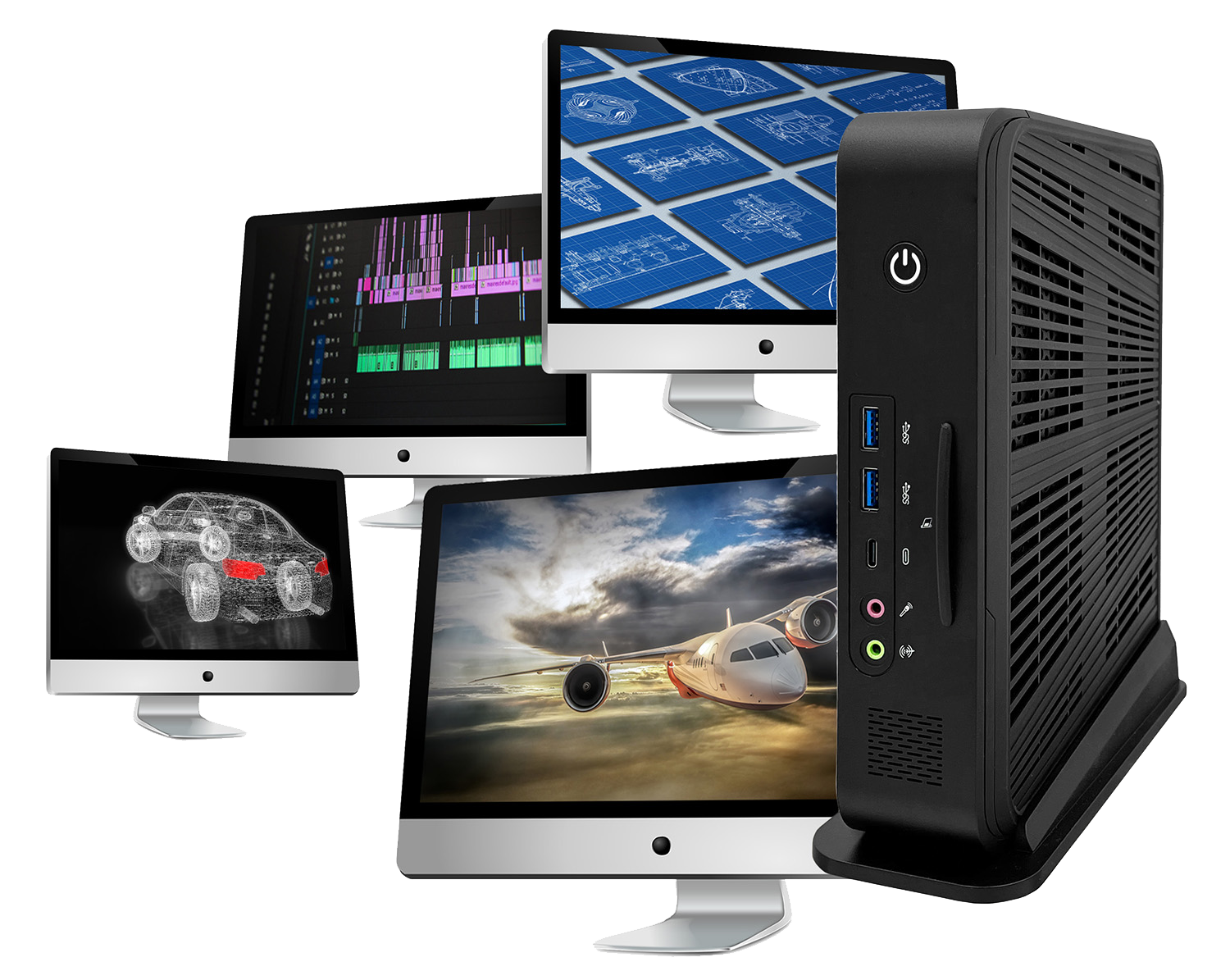
Thin clients have established themselves as compact, cost-effective mini-computers that access the resources of a central server to run applications. Unlike traditional desktop computers, they require less local processing power, which offers a number of advantages.
A key advantage is improved data security. Since thin clients do not store data locally, the risks of data theft or loss are drastically reduced. All data is securely stored on the central server, which enables better control, processing, and data backup.

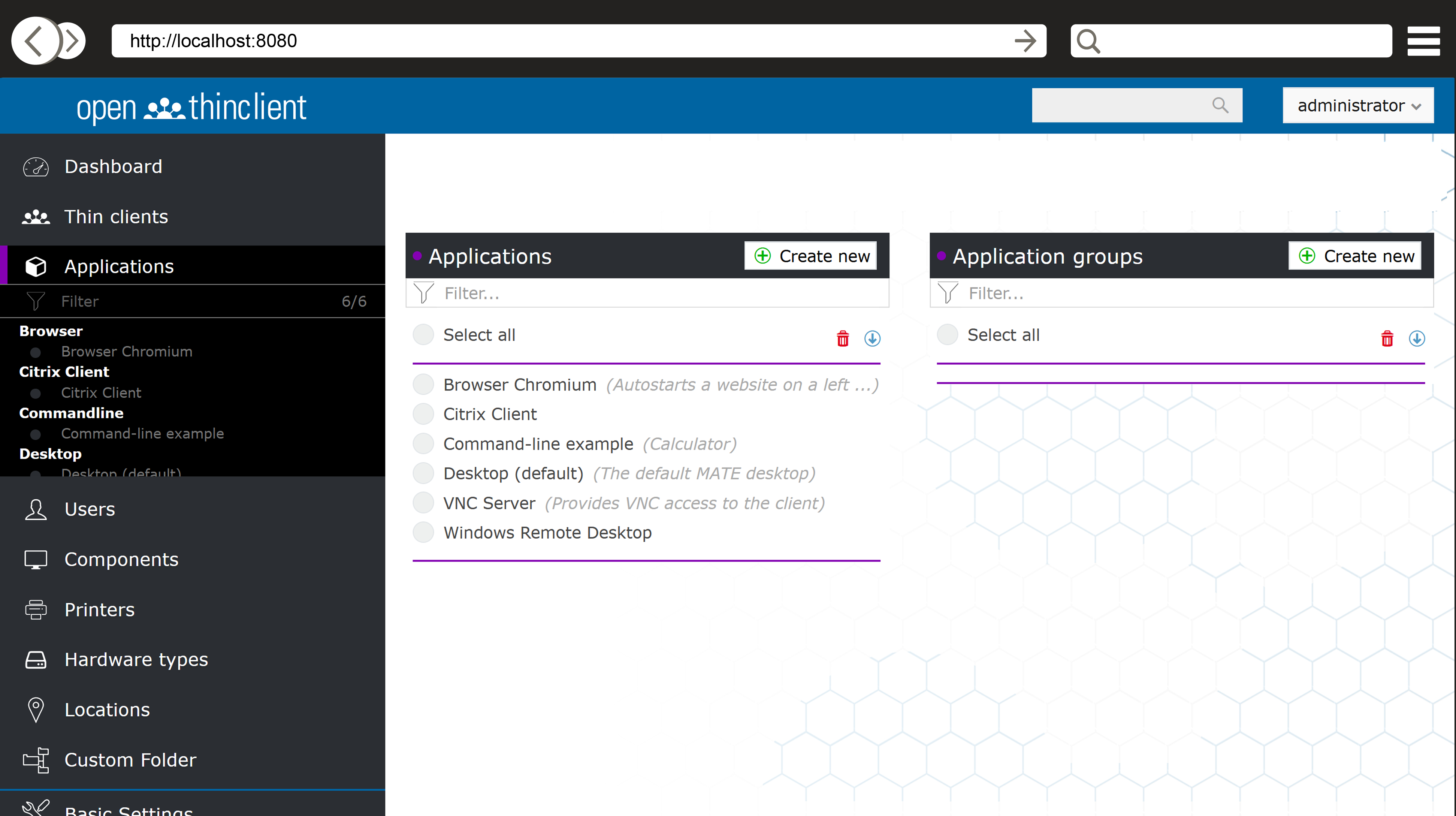
In addition, management with a solution like openthinclient allows for centralized and structured administration of clients and applications. This significantly reduces administrative effort while simultaneously increasing security.
Compared to traditional desktop computers, Thin Clients offer faster and more cost-effective integration into a centralized IT infrastructure. Thanks to their simple and quick setup and configuration, which often takes only a few minutes, they can save considerable time and resources.
We offer customized ThinClient solutions tailored to your company's specific needs. Regardless of your company's size and industry, we have the expertise and products to make a migration as smooth as possible. Our team of IT experts will guide you through the entire process, from assisting with installation and pilot operation, to selecting the right hardware, and supporting your new IT infrastructure in live operation.
Read our case studies and learn how we've helped other companies successfully transition to Thin Clients. These stories showcase how we've developed tailored solutions for a variety of challenges, and how these companies have benefited from increased security, improved efficiency, and lower IT costs.
The prospect of Windows 10 reaching end-of-support presents a challenge for businesses. However, with the right solution and support, migration can be carried out quickly and professionally. Our experienced team is ready to guide you on this journey and make the process as simple as possible.
As support, we offer you access to our free ThinClient software. This user-friendly solution simplifies the management of your IT infrastructure and allows you to harness the full potential of ThinClient technology. It is easy to implement and operate, representing an efficient first step on your path to a future-proof IT environment.